

A WiFi extender is what most renters reach for when the back bedroom stops getting a signal, and most of the time it's the wrong first move. The bedroom in my Astoria one-bedroom sits at the back of the apartment, one floor above the street, with a brick exterior wall behind it. The router sits on a shelf in the living room, near the front window. From the bedroom, I get one bar of WiFi on a good day. On a bad day, the WiFi icon still shows full but I can't open a web page without it timing out — the same connected-but-nothing-loads problem Maya had in Brooklyn, except mine never went away with a DNS change. The router is just too far, the brick is too thick, and the amplifier wifi marketing on Amazon isn't going to fix either of those things on its own.
I went down the rabbit hole on a Friday night in March. By Sunday I had a $60 plug-in extender bolted to the wall halfway between the living room and the bedroom, and by Tuesday I had taken it down because it made the situation worse instead of better. The third device I tried was the one that finally worked, and it was the one I almost didn't buy because the marketing copy made it sound like the same thing as the first two.
If you're a renter trying to fix dead spots with an extender or any similar device, here's the checklist I'd walk through before you buy anything. I tried three devices first, and most of the advice I found online assumed I owned my place. Almost none of it accounted for the fact that I can't run an Ethernet cable through the wall and I can't put a $400 mesh system on a landlord's router.
Step 1: Confirm the Dead Spot Is Actually a Dead Spot
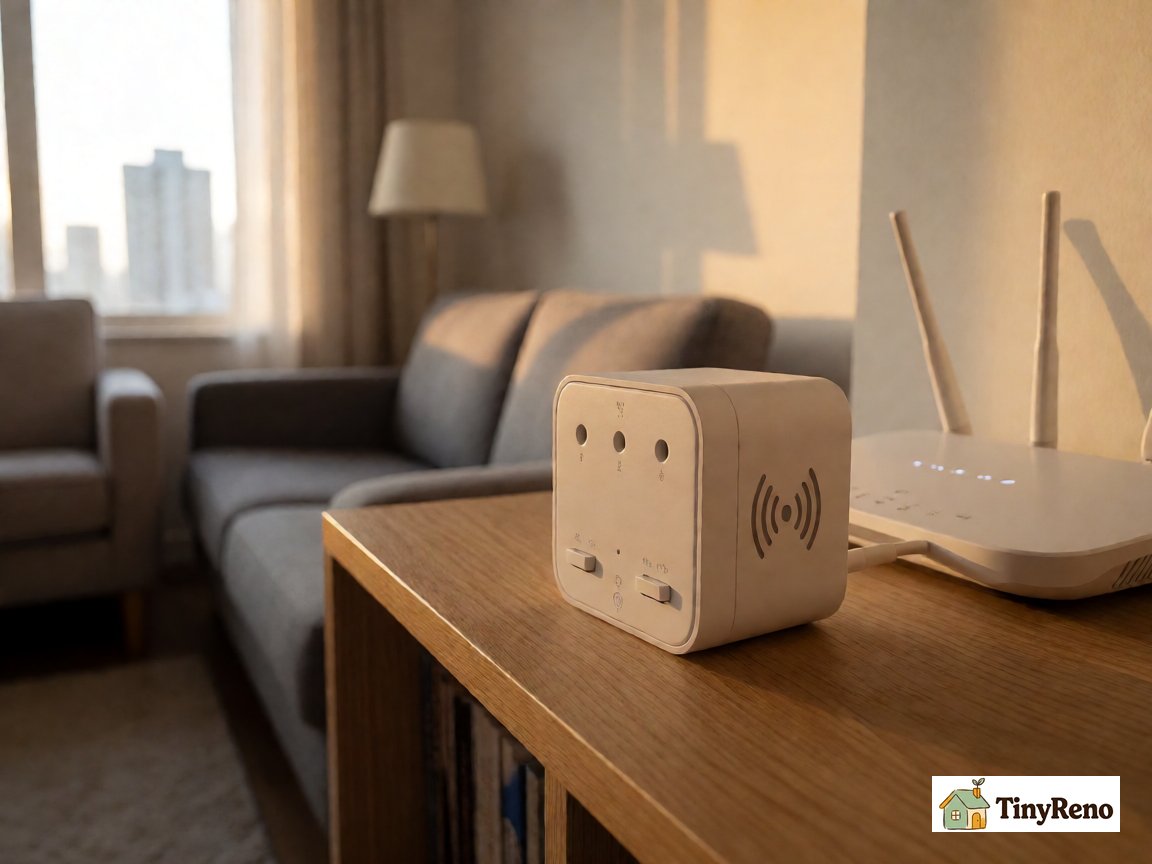
The first mistake I made was buying an amplifier the same week I got frustrated. I hadn't actually verified that the bedroom was a WiFi dead spot versus a "this room happens to be slow on this device" room. Those are different problems.
The test is straightforward. Take a phone or laptop to the spot where you think the WiFi is weak. Forget the network, reconnect, and run a speed test. Most phones have a built-in speed test, or you can use speedtest.net or fast.com. Note the download speed. Then walk back to the room where the router sits and run the same test. If the dead-spot speed is less than half of the router-room speed, you likely have a real coverage problem. If the two speeds are close, the problem is more likely interference, an old router, or a device issue. The middle range is ambiguous, which is why the next test matters.
The interference case is what bit me the second time around. After I bought the first extender and it made things worse, I used a free WiFi analyzer app instead of a speed test. The app showed that the bedroom had several strong neighboring networks on the same channel as my router. The problem wasn't only that my signal was weak in the bedroom; it was that the extender was also repeating a crowded channel. A WiFi analyzer would have shown me that before I bought the first device.
A second thing to confirm: is the dead spot at the same time every day, or does it come and go? A neighbor's baby monitor turning on at 7pm will look exactly like a dead spot if you're trying to stream at 7pm. The way to tell is to run the speed test three times a day for two days — morning, afternoon, evening — and see if the numbers shift. If they only shift in the evening, it's interference, not coverage.
The test takes fifteen minutes. It saves you from buying the wrong device.
Step 2: Three Devices I Tried, and Which One Actually Helped
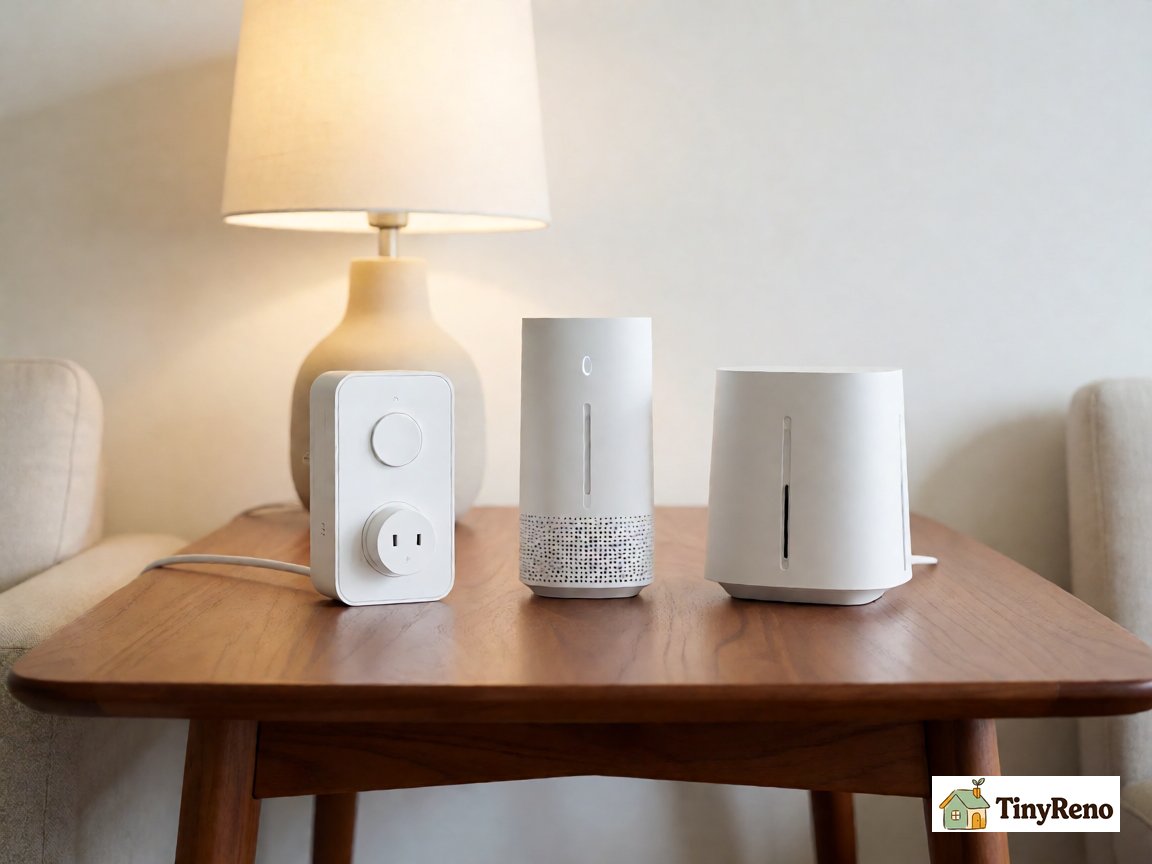
The first thing I bought was a $25 plug-in repeater from Amazon. The brand is irrelevant because the technology is generic. It's a small white box that plugs into a wall outlet, has two antennas on the sides, and rebroadcasts whatever WiFi signal it picks up. The setup is via a phone app that asks for your WiFi password and then mirrors the network. Total cost: $25. Total setup time: eight minutes.
It made my situation worse. The problem was that the amplifier was picking up the router's signal at about 50% strength (since the bedroom is far from the living room) and rebroadcasting it at the same 50% strength. The bedroom devices connected to the amplifier instead of the router, but the amplifier was itself getting a weak signal. Net result: same speed, more latency, occasional dropouts when the amplifier lost its connection to the router.
The second thing I bought was a $40 "high power" extender with bigger antennas and a longer advertised range. Same basic technology, just better hardware. I thought the bigger antennas would fix the weak incoming signal problem. They didn't. The amplifier still picked up a weak signal from the router and rebroadcasted it. Net result: same speed, slightly better range, more dropouts because the bigger antennas picked up the neighbor's network even more reliably.
The third thing I tried was a $60 powerline adapter kit, which uses the electrical wiring in the apartment as a network backbone. You plug one adapter into an outlet near the router and connect it to the router with an Ethernet cable. You plug the other adapter into an outlet near the dead spot. The two adapters talk to each other through the electrical wiring, and the second adapter broadcasts a new WiFi network. Total cost: $60. Total setup time: fifteen minutes.
This worked — partially. The powerline backbone got a strong signal from the router to the bedroom outlet, and the second adapter broadcast a clean WiFi signal at full strength. Speeds in the bedroom went from 8 Mbps to 60 Mbps. The downside is that the speed depended on the wiring in my building, which is older. In a newer building it would probably be faster. The other downside is that it took up an outlet, and I had to run an Ethernet cable from the router to the first adapter, which I didn't love aesthetically.
The reason I'm laying out all three is that the marketing looks similar—"boost your WiFi," "extend your range," "fix dead spots"—but the technology is different. The first two are repeaters: they take the existing signal and rebroadcast it. The third is a powerline adapter: it creates a new wired backbone and broadcasts from there. The first two failed for me. The third helped, but only partially.
If you're in a newer building and the outlets near your router and dead spot are on the same circuit, the powerline adapter will probably work for you. If you're in an older building, the wiring may be too noisy and the adapter will give you inconsistent results. The way to know in advance is to check the building — most pre-war buildings have older wiring that doesn't carry network signals as cleanly.
Step 3: The Thing I'd Actually Buy Today
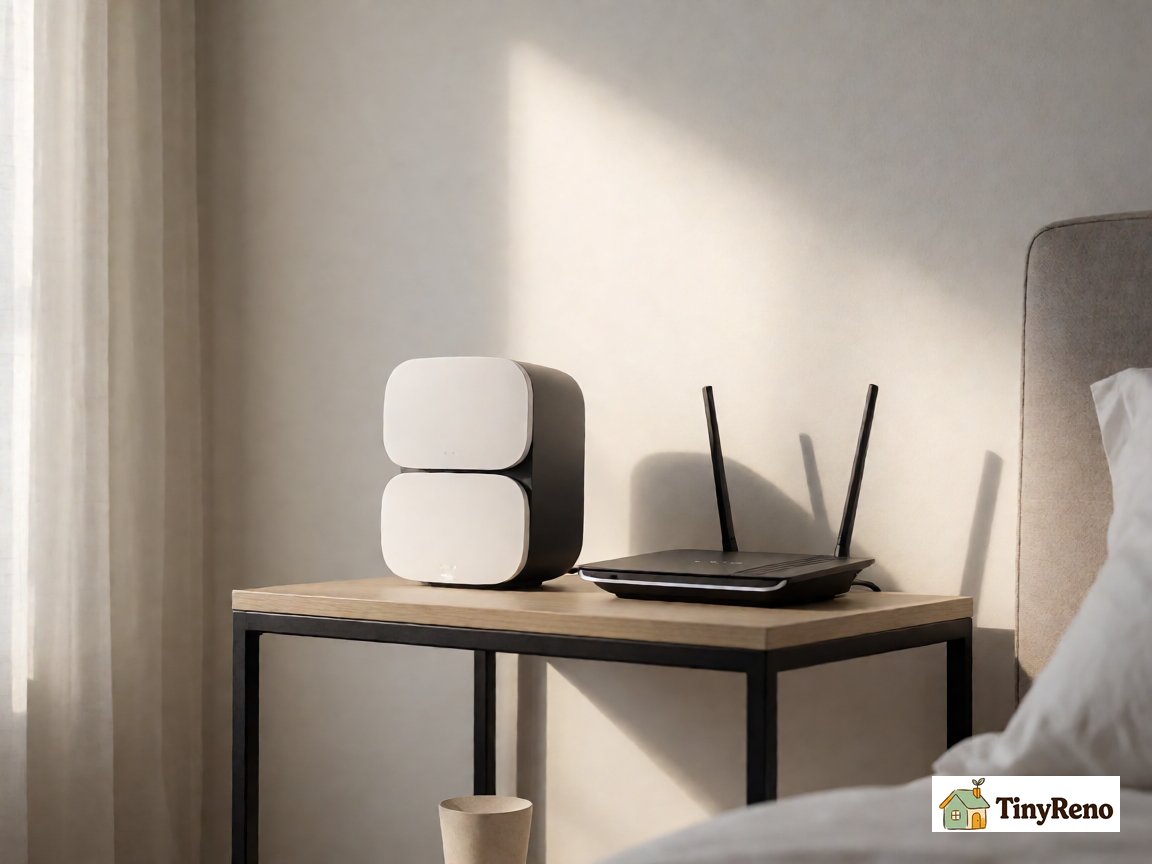
What I'd buy today, knowing what I know now, is a mesh WiFi system. Not a repeater, not a powerline adapter — a mesh system. The difference is that a mesh system replaces your existing router's WiFi with a new WiFi network that uses multiple access points placed around the apartment. Each access point talks to the others, and your devices roam between them automatically. There's no rebroadcasting and no electrical wiring involved.
A basic mesh kit with two access points often runs $100 to $200, depending on the brand and the sale, and it is what I'd recommend for a renter with a dead spot in an apartment longer than 800 square feet. Setup is via a phone app, takes about twenty minutes, and most kits do not require running cables between units. The access points plug into outlets, and the connection between them happens over a dedicated wireless channel.
The catch with mesh is that it replaces your router's WiFi, which means your existing router still has to be plugged into the modem and turned on. The mesh system handles the wireless; the existing router handles the connection to the internet. Most mesh kits work with whatever router your ISP gave you, but a few require you to put the ISP's router into "bridge mode" — which strips the router's WiFi off and lets the mesh system take over. That step is annoying and not all renters want to deal with it.
If your ISP's router does not allow bridge mode, look for a mesh kit that supports access point mode. In access point mode, the mesh system is connected to the ISP router with an Ethernet cable and broadcasts its own WiFi network. It is not as clean as bridge mode, but it works in most rentals.
The reason I'm recommending mesh over powerline or repeaters is that the technology is more reliable. Mesh is what hotels and offices use when they need WiFi to work across a large space without running cables. For a 600-900 square foot apartment with one or two dead spots, a two-point mesh kit is overkill in terms of features but exactly right in terms of reliability.
For the renters who can't or don't want to spend $100-150, the powerline adapter is the next best option. Don't bother with the plug-in repeaters — the technology is older and the results are inconsistent.
Step 4: What About the Router You're Renting With?
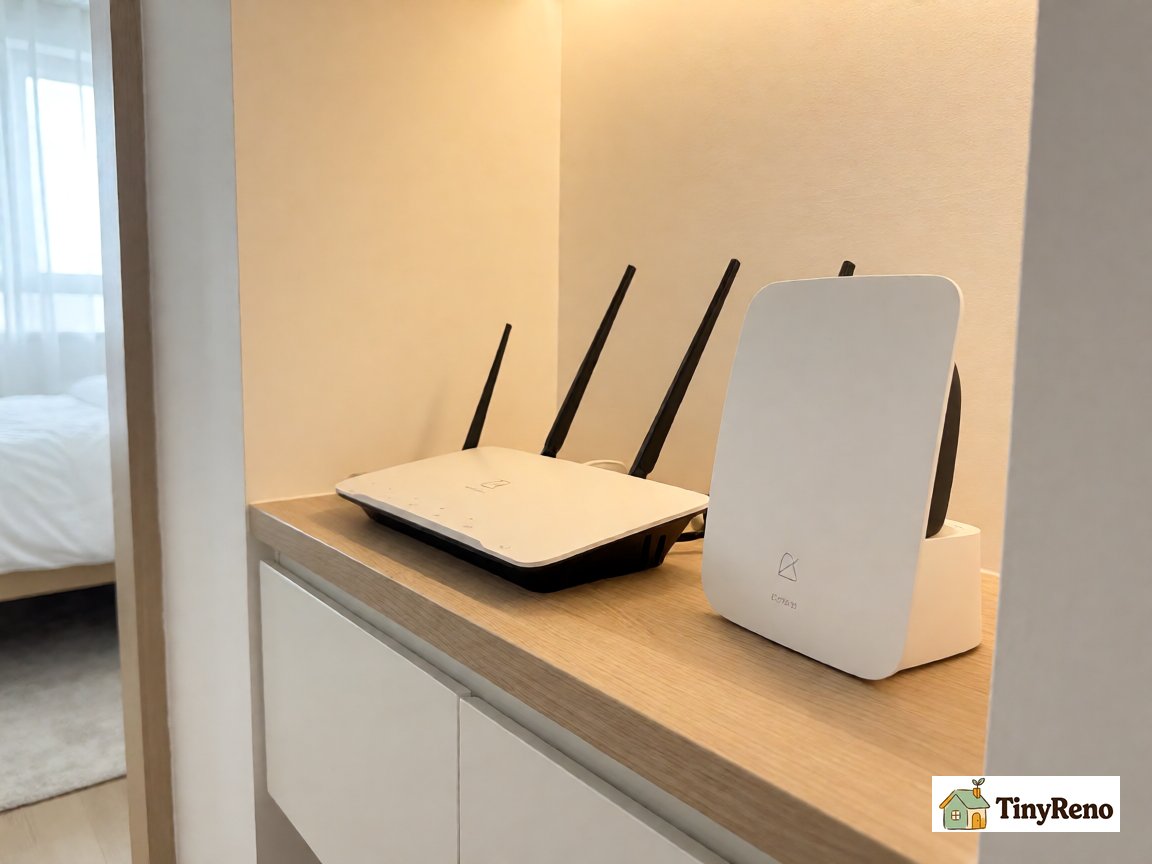
If your apartment came with a router from the landlord or the ISP, you might not own it. That matters because it determines what you can do with it.
In most cases, you can plug in a mesh system or a powerline adapter without touching the ISP router. The existing router keeps handling the connection to the internet. The mesh system adds a new WiFi network on top of it. The only thing you lose is the ISP router's WiFi signal, which was probably already weak in your dead spot anyway.
If you want to put the ISP router into bridge mode, you usually have to log in to its admin page (the same 192.168.0.1 / 192.168.1.1 thing from the WiFi article) and find the bridge mode setting. Not all ISP routers have this option. If yours doesn't, use access point mode on the mesh system instead.
The thing to be careful about with an ISP router is that resetting it or leaving it unplugged for a long time can sometimes trigger a reauthorization step with the ISP. This does not happen with every provider, but it happened to me when I unplugged my router to test a powerline adapter. Before you unplug the ISP router, check the provider's support page or call them if you are unsure.
If you're renting and the router belongs to the landlord, you shouldn't replace it. But you can absolutely add a mesh system or powerline adapter to extend coverage without touching the landlord's equipment. The landlord's router keeps working. Your devices just connect to the mesh or powerline network instead of the landlord's WiFi.
Step 5: How to Place Whichever Device You Buy
The placement matters as much as the device. For a repeater or amplifier, the rule is to place it halfway between the router and the dead spot. Not at the dead spot — at the midpoint. The reason is that the device has to pick up a strong signal from the router to rebroadcast it. If you put it at the dead spot, it gets a weak signal and rebroadcasts a weak signal.
For a mesh system, the rule is the opposite. Place one access point near the router (within 15-20 feet, with one wall or less between them) and the second access point at or near the dead spot. The mesh system handles the wireless connection between access points automatically. The reason to place the first one near the router is that it needs to pick up the router's signal to act as the bridge.
For a powerline adapter, place one adapter near the router (within 6 feet) and connect it to the router with a short Ethernet cable. Place the second adapter at the dead spot, ideally in an outlet that's on the same electrical circuit. If you're in an older building and the wiring is questionable, try a different outlet at the dead spot — some outlets work better than others.
The other thing to avoid is placing any of these devices near a microwave, a baby monitor, a Bluetooth speaker, or a large metal object. Microwaves leak 2.4 GHz signals when running. Baby monitors and Bluetooth devices use the same frequency band as WiFi. Metal blocks WiFi almost completely. None of those are good neighbors.
The setup for each device takes 15-30 minutes. After that, the test is whether your device connects reliably in the dead spot and whether the speed is at least 50% of what you get in the room with the router. If yes, you've solved the problem. If no, return the device and try a different category.
The thing I wish I'd known on that Friday night in March is that there are three different technologies that claim to fix the same problem, and they work very differently. Repeaters rebroadcast a weak signal. Powerline adapters use the building's electrical wiring as a backbone. Mesh systems create a new WiFi network with multiple access points. Knowing which one you're buying matters more than the brand name on the box.


Discussion (0)
Sign in to join the discussion